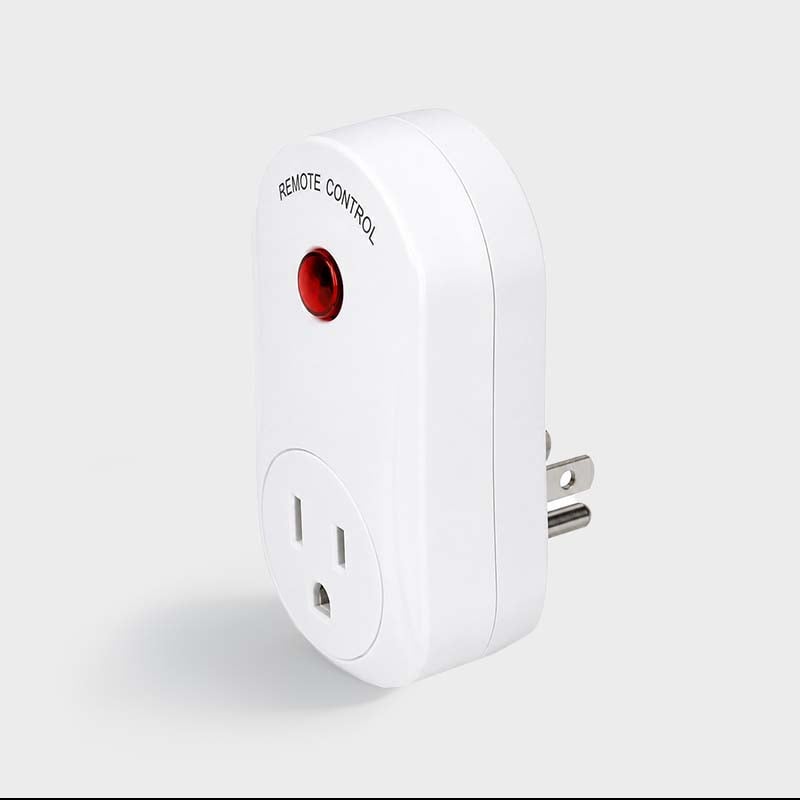

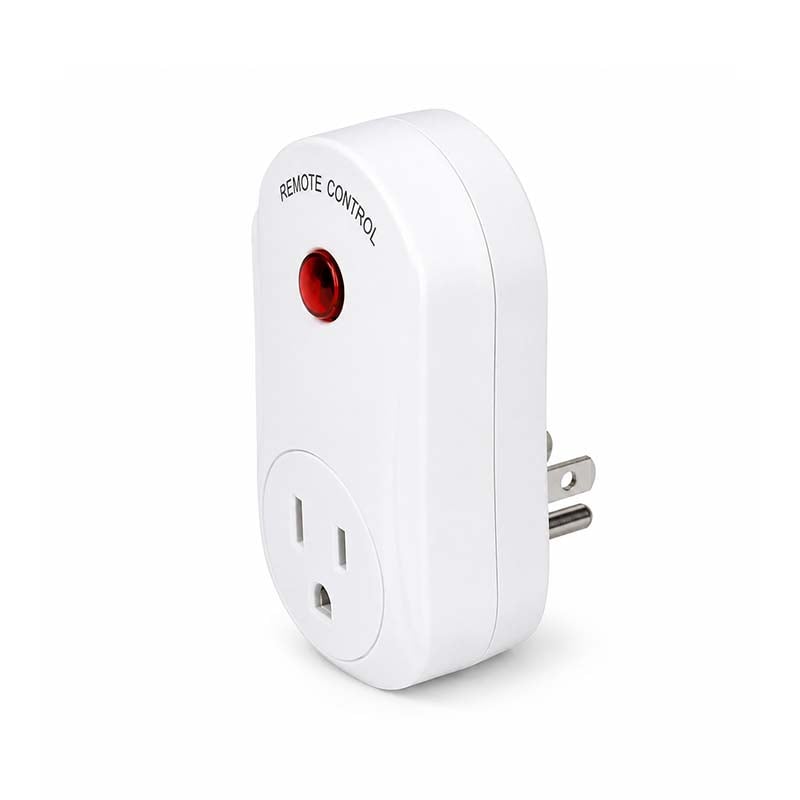
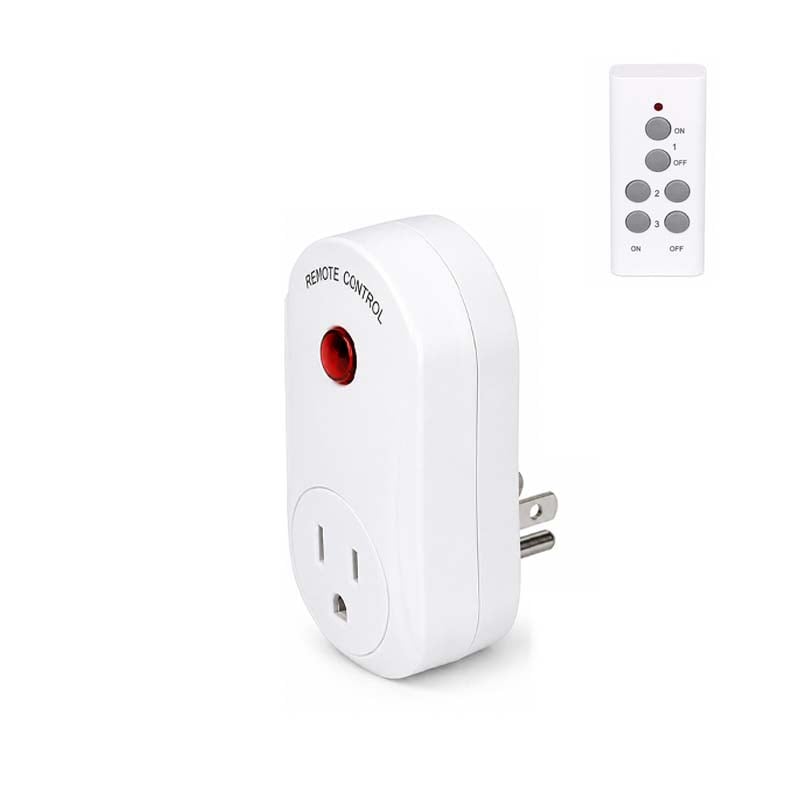
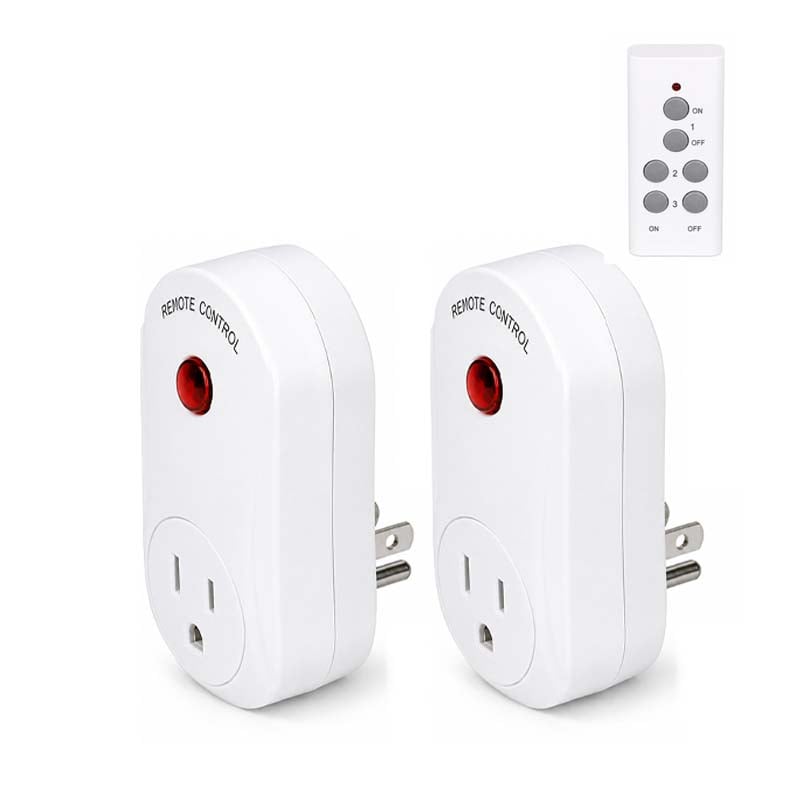
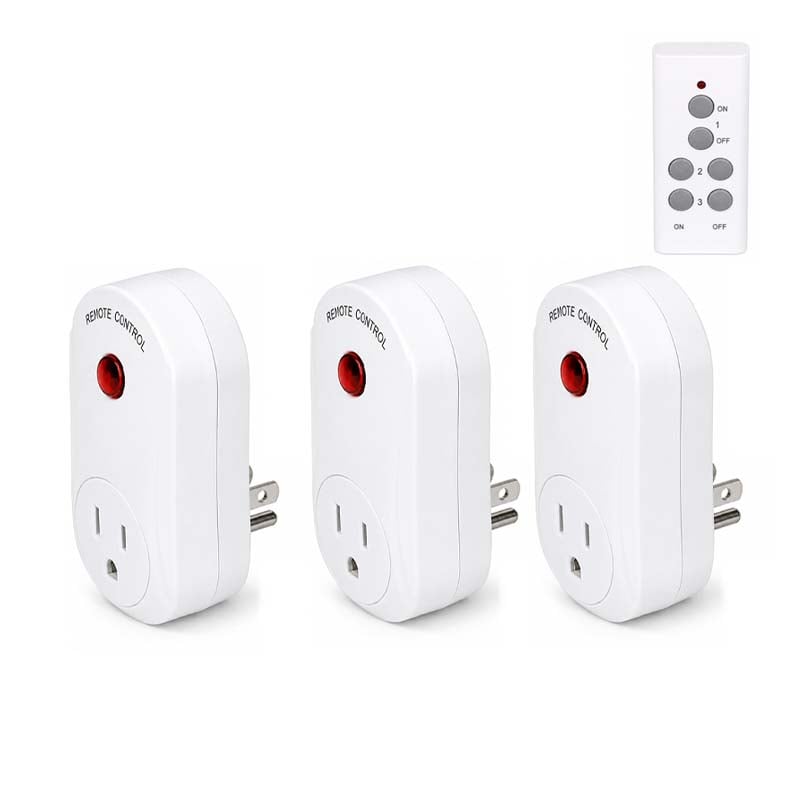
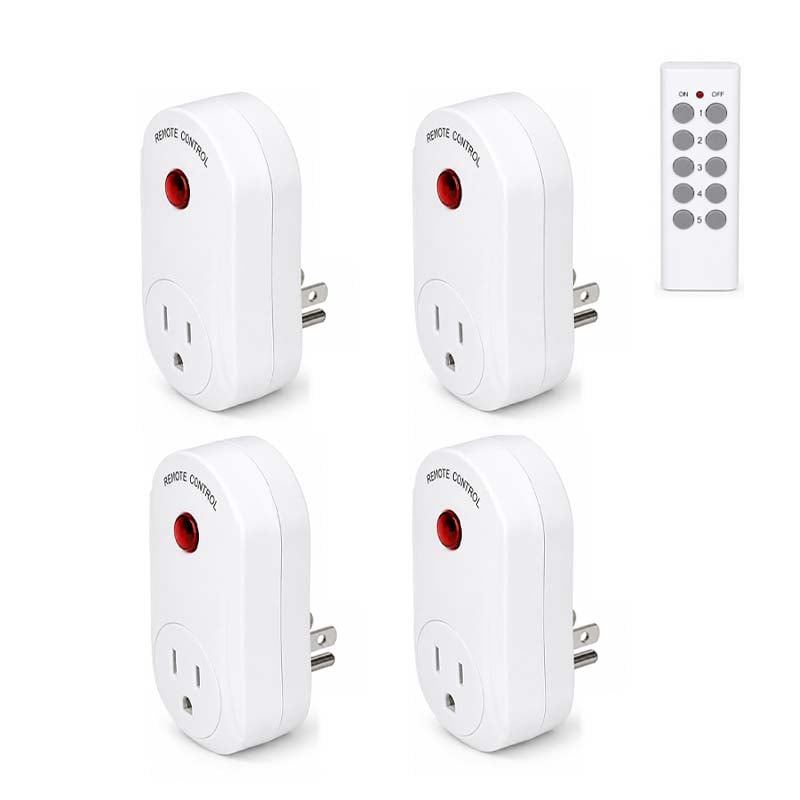
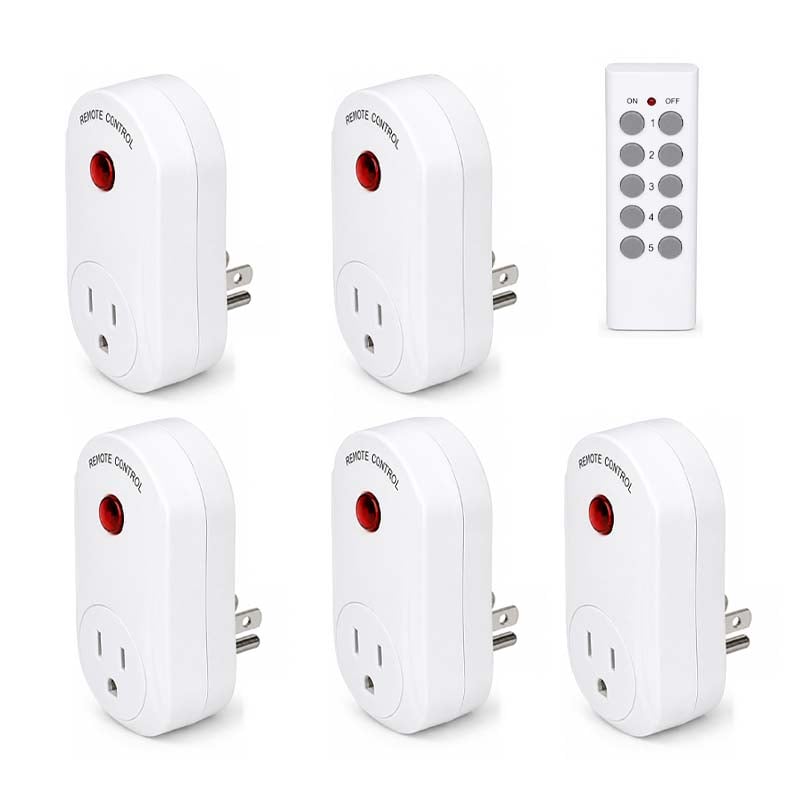
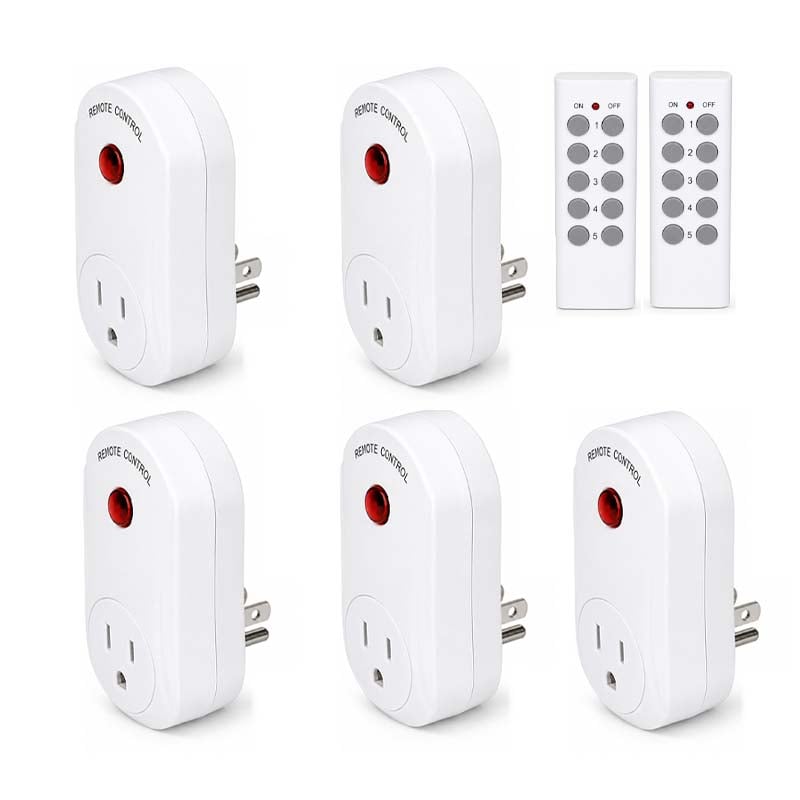
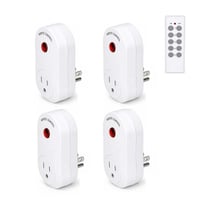
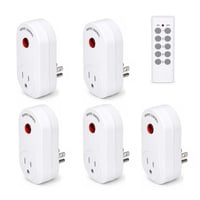
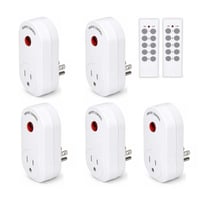
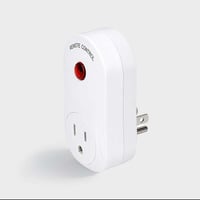


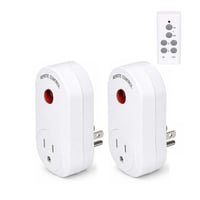
Aless™ Wall-Through Wireless Remote Control Socket
$59.99 $119.99
Save 50%
Style
Plug Type







DESCRIPTION
Effortlessly transform your home appliances into intelligent systems with this high-performance remote control outlet, designed for wall-through signals and enhanced home safety.
FEATURES
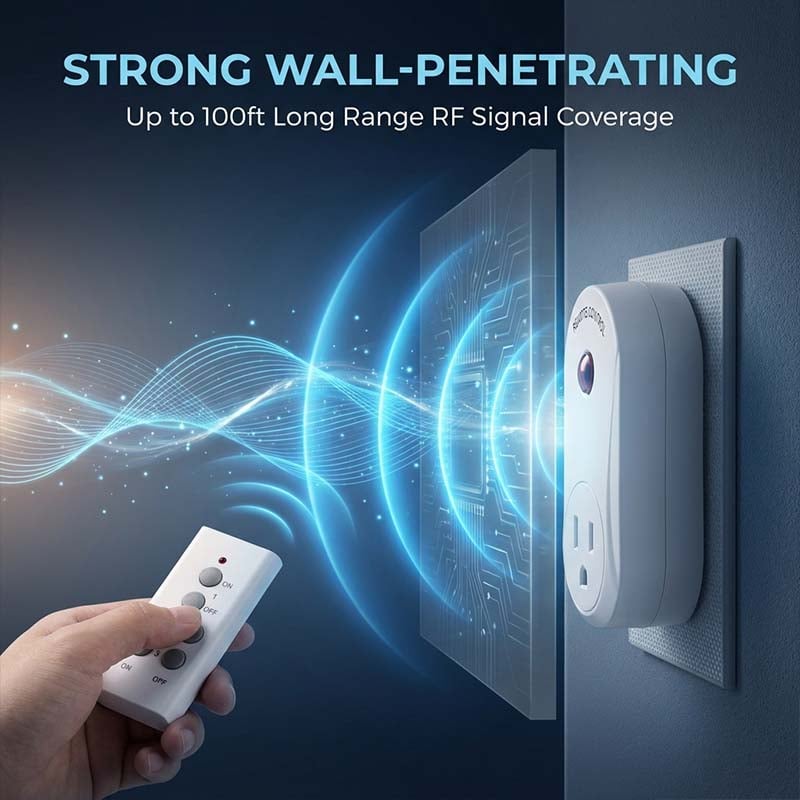
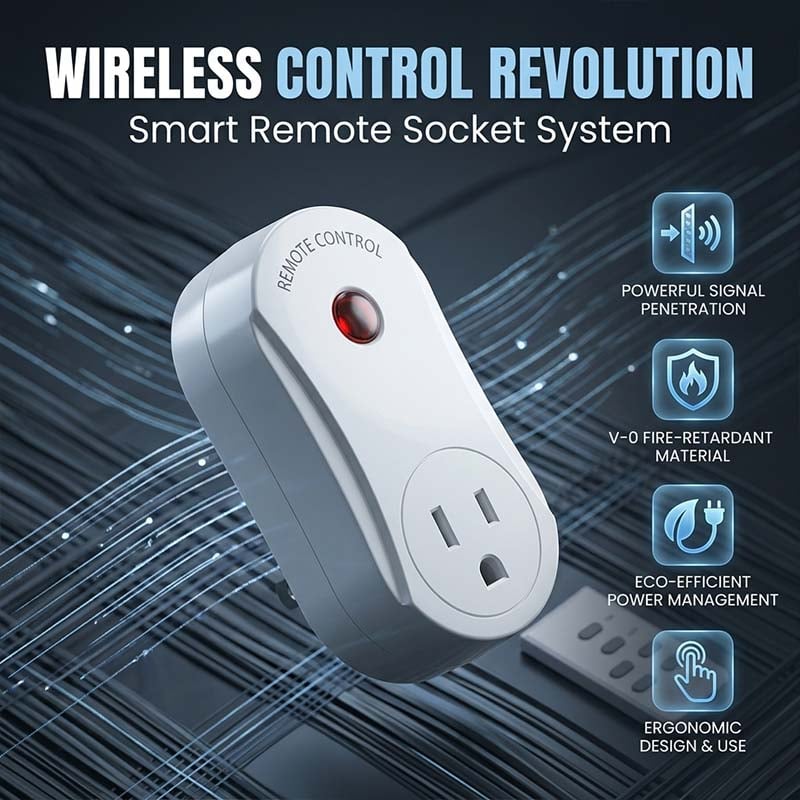
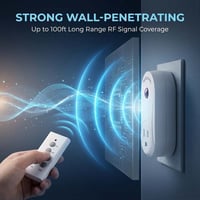
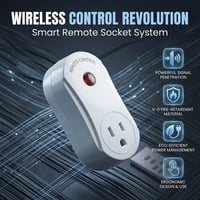
- Long-Range Wall-Through Signal: Utilizing an advanced remote chip, this outlet ensures stable signal transmission between 50 to 100 meters in open spaces. The 433.92Hz frequency provides powerful penetration, allowing you to control devices through walls and across rooms with high sensitivity.
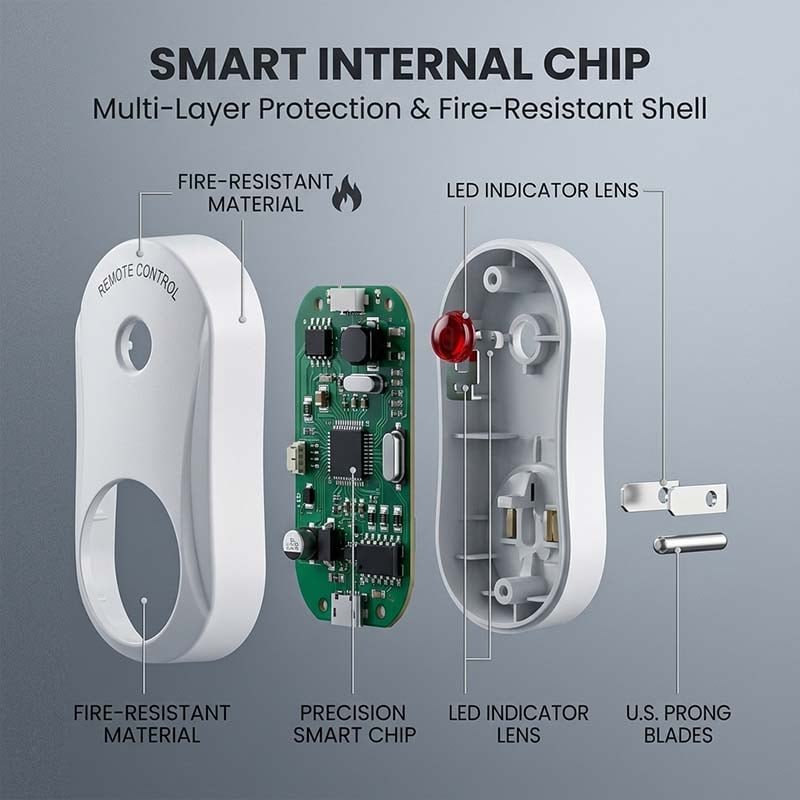
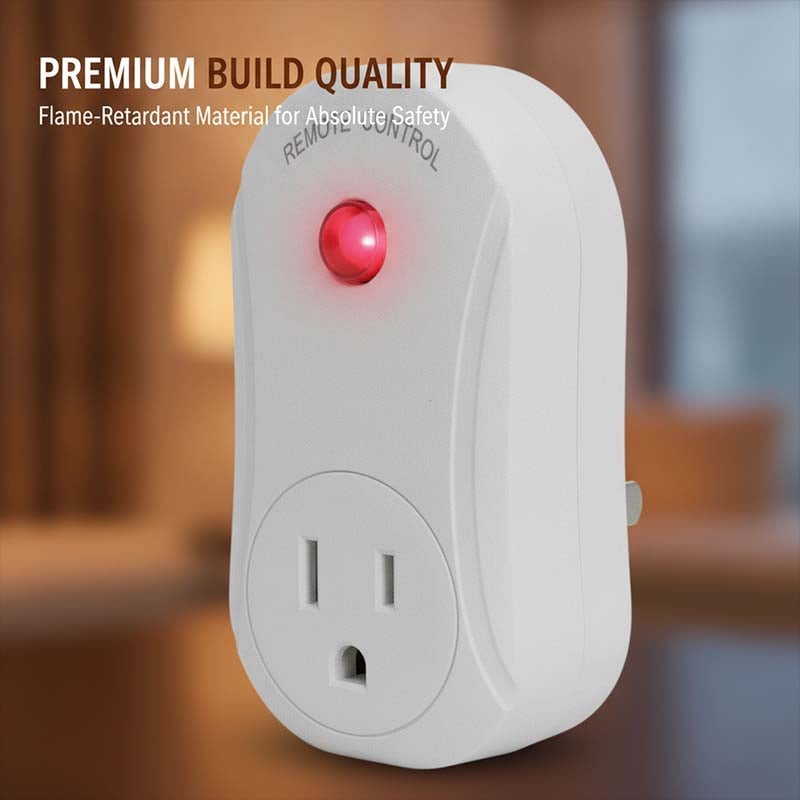
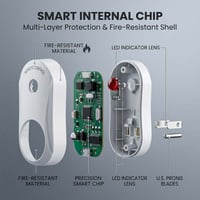
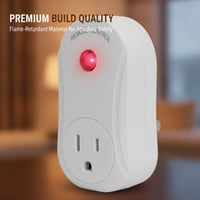
- Flame-Retardant Safety Material: Constructed from high-quality PC material, this outlet features high flame retardancy and heat resistance. This healthy material choice ensures a durable build that prioritizes household safety while maintaining a professional aesthetic.
- Automatic Power-Off Protection: To prevent fire hazards, the outlet is designed to stay in the "OFF" position when power is restored after an outage. This ensures that appliances do not automatically start running when no one is home, providing peace of mind and enhanced security.
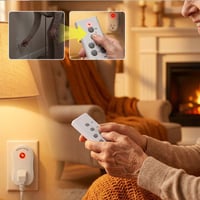
- Simple Learning Code System: Equipped with an intuitive learning button and indicator light, the pairing process is quick and easy. By holding the button for 5 seconds, users can easily sync the remote to the receiver, allowing for flexible control and customizable configurations.
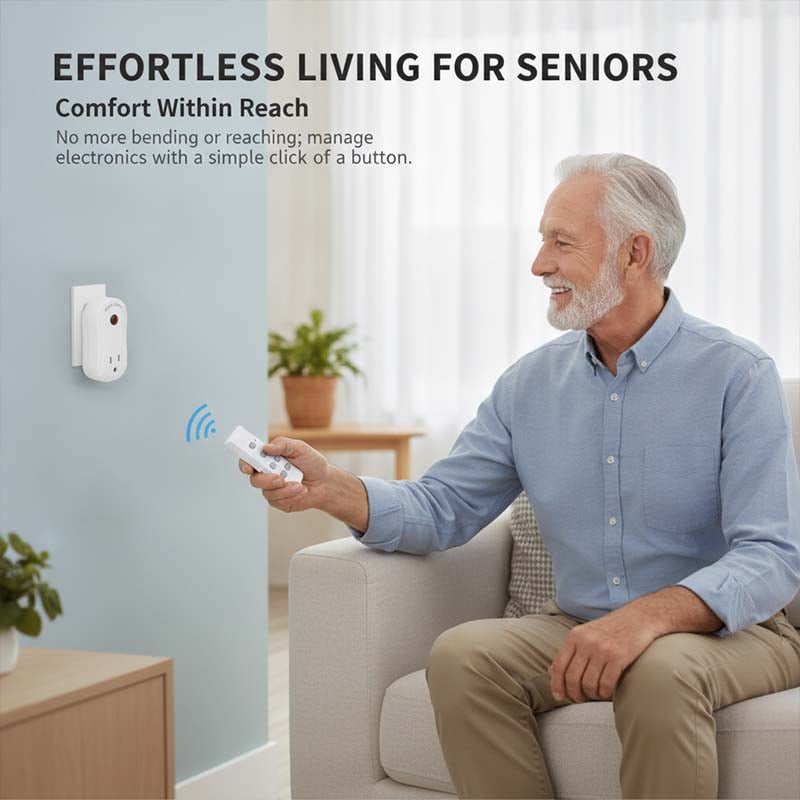
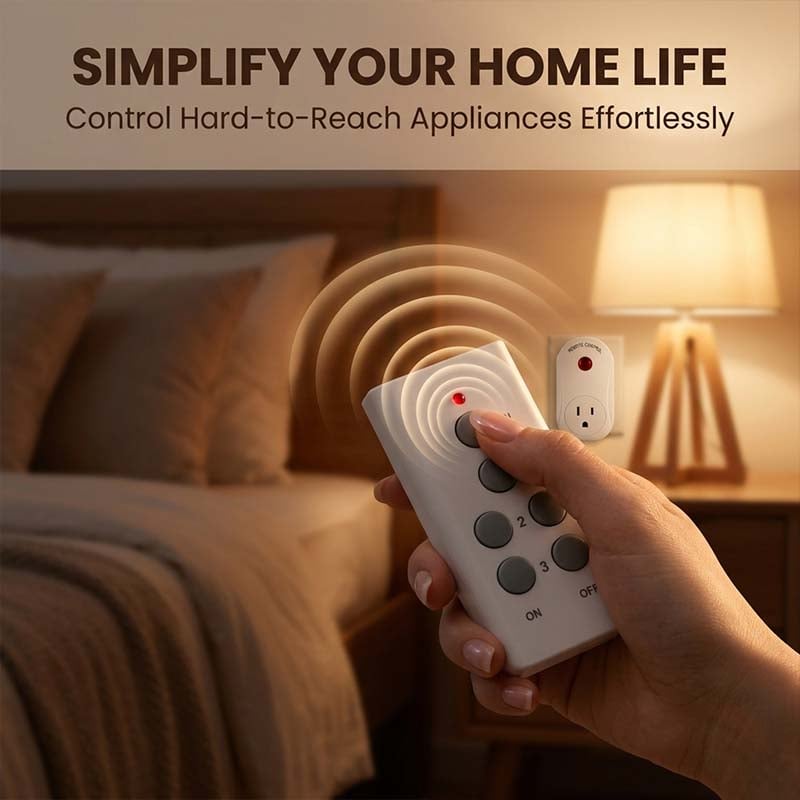
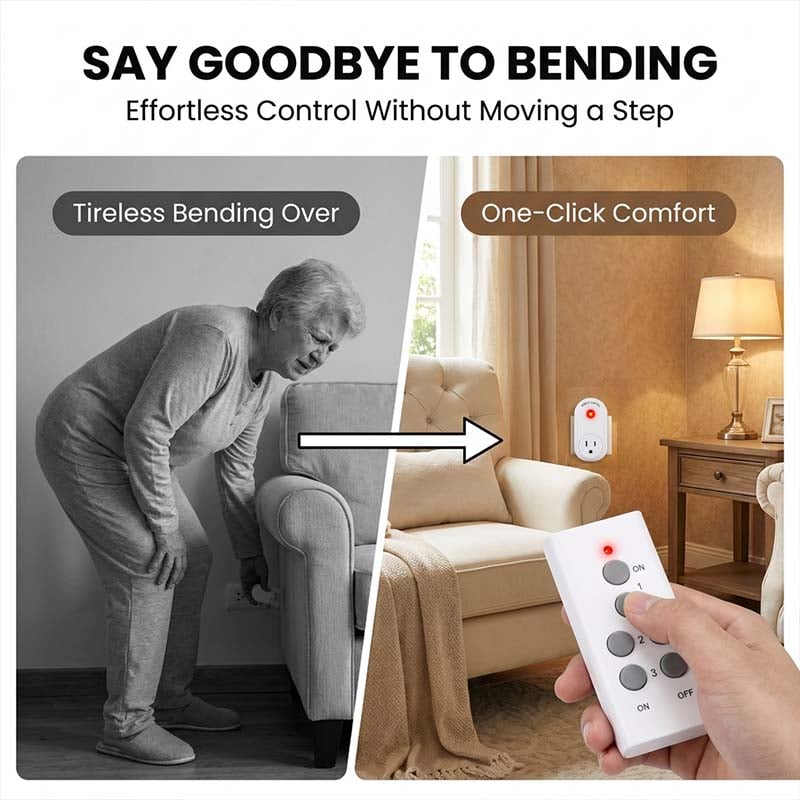
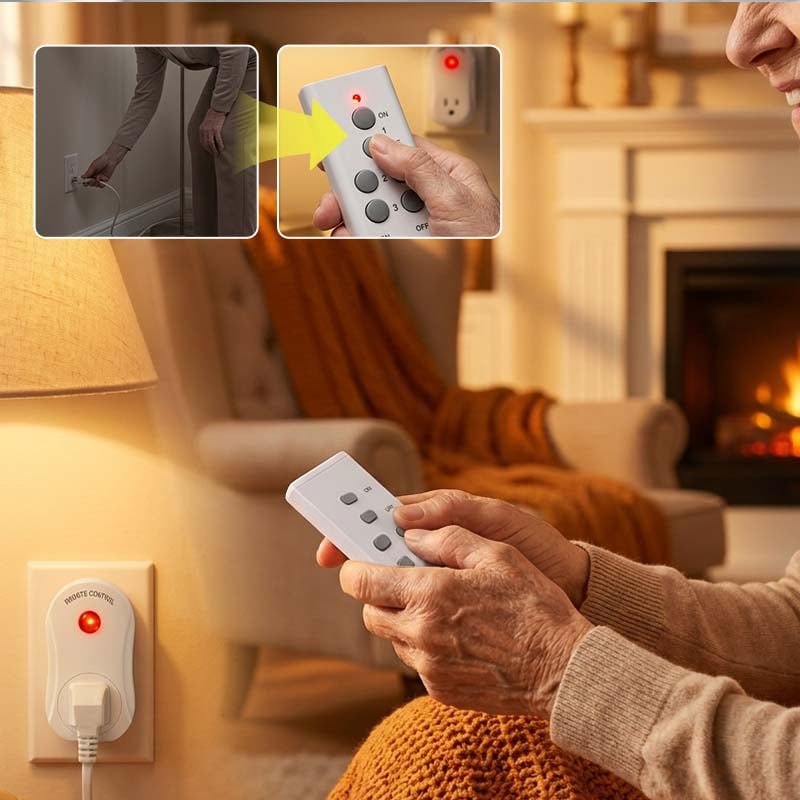
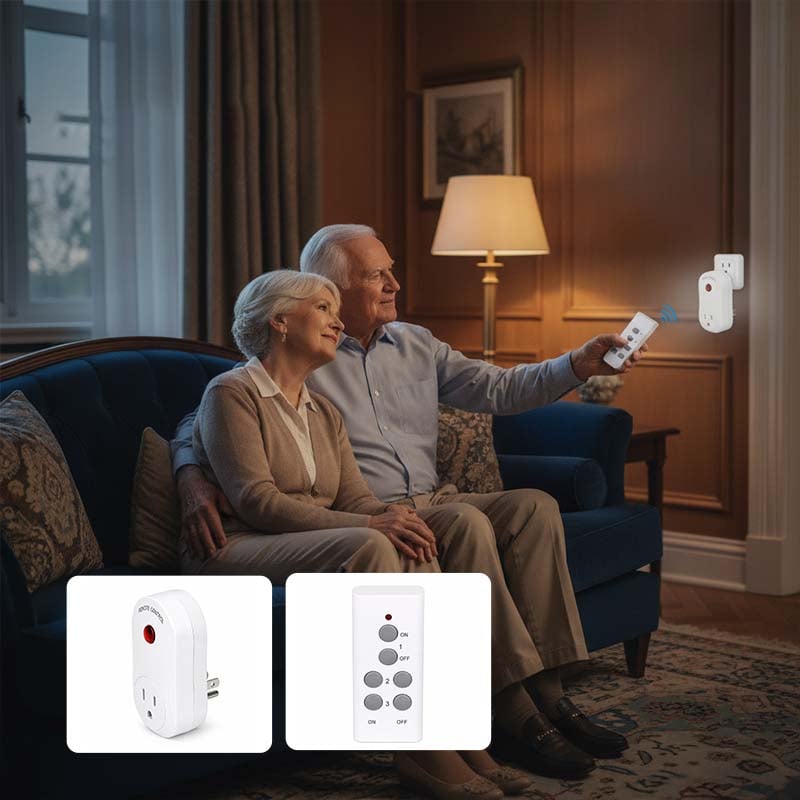
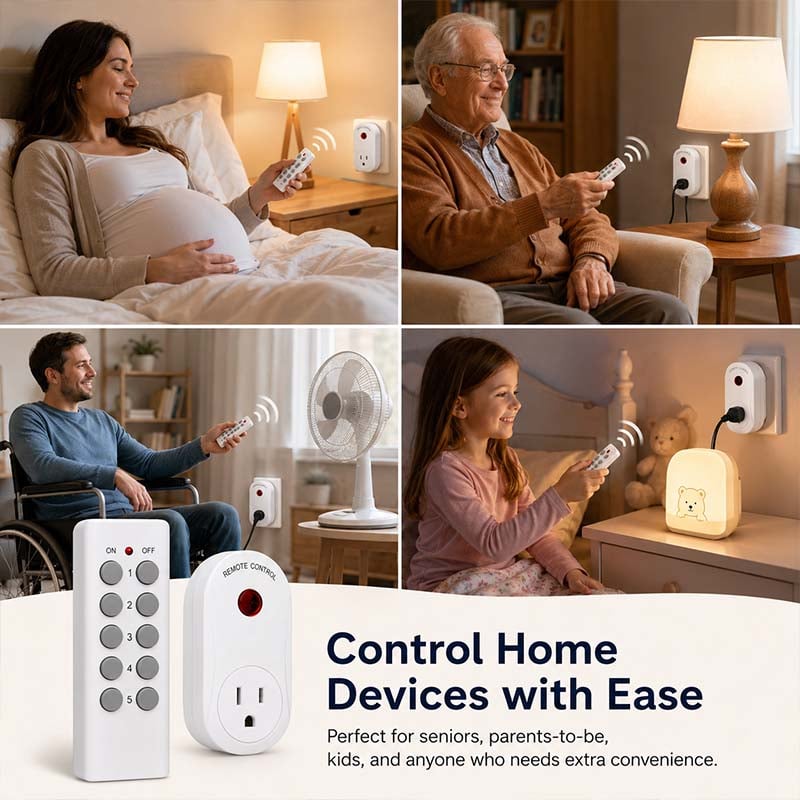
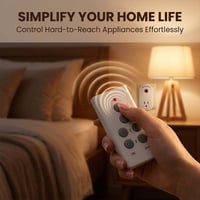
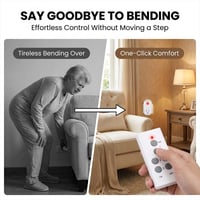
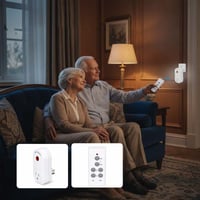
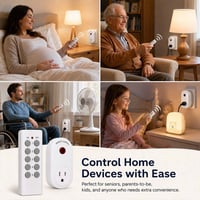
- Versatile Home Application: Turn ordinary household appliances into user-friendly smart devices. It is perfect for managing hard-to-reach electronics, lamps, or fans, effectively "liberating your legs" by allowing remote operation from anywhere within the signal range.
SPECIFICATIONS
-
Frequency: 433.92Hz
-
Resistive Load: 1800W
-
Input Voltage: 120V / 60Hz
-
Remote Distance: 50-100m (No obstacles)
-
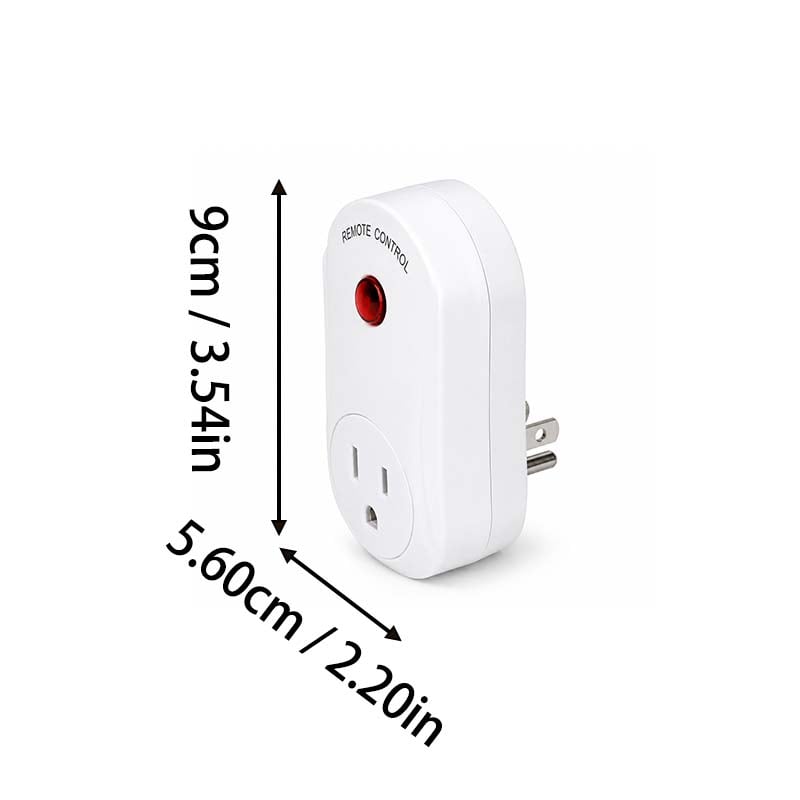
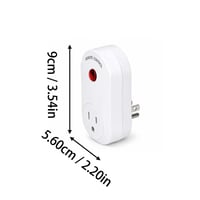
Dimensions: 93*50*56mm
-
Battery Type: 12V 23A Battery
-
Net Weight: 90g per socket
PACKAGE
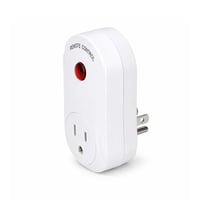
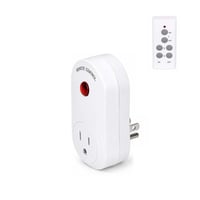
- 1* Wireless Remote Control Socket
- 1* Remote Control Transmitter
NOTE
-
The product is pre-paired at the factory. If re-pairing is needed, first delete the existing code by holding the button while plugging the unit into power until the indicator flashes, then follow the learning code steps to re-sync.
You May Also Like
ADD TO CART
ADD TO CART
ADD TO CART
ADD TO CART